Up to six bills, each from a different company. Taupia puts them in one list: what each costs, when each deal ends and, in a shared home, who has paid.
Start with your address.
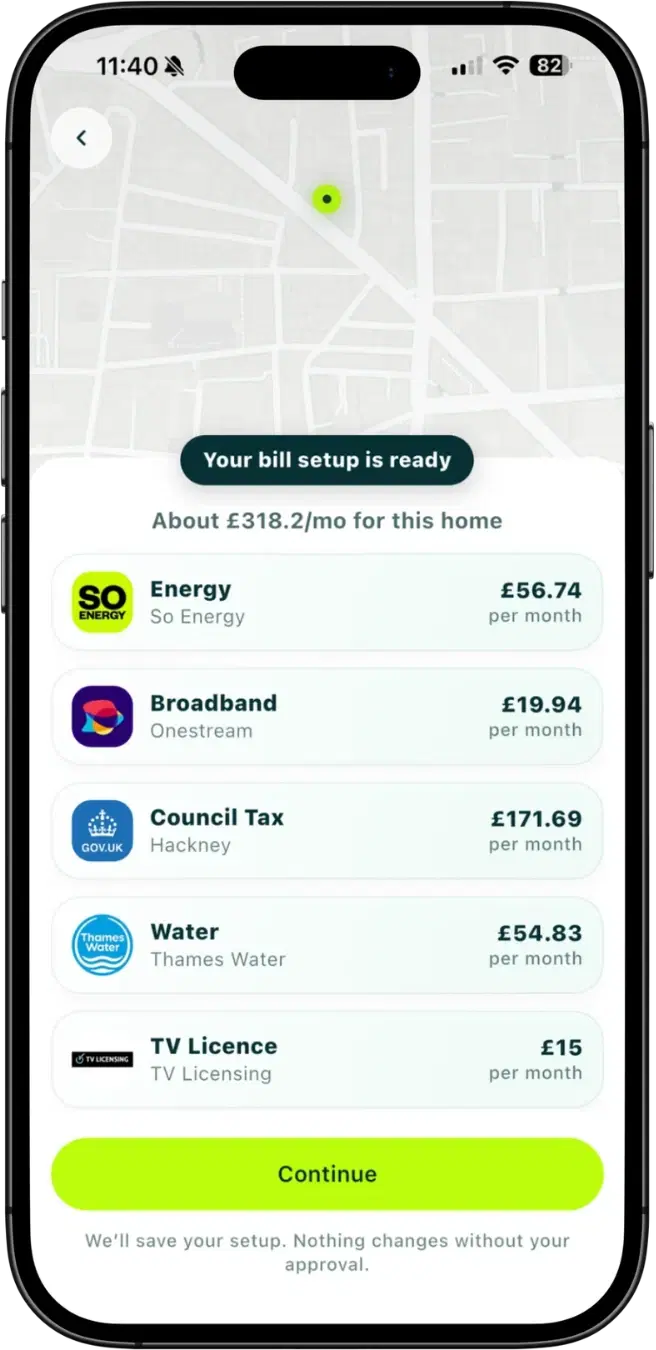
Your postcode, then your address. Energy and broadband compared, plus council tax, water and the TV Licence, each priced for that home.
An example home
Check what you pay.
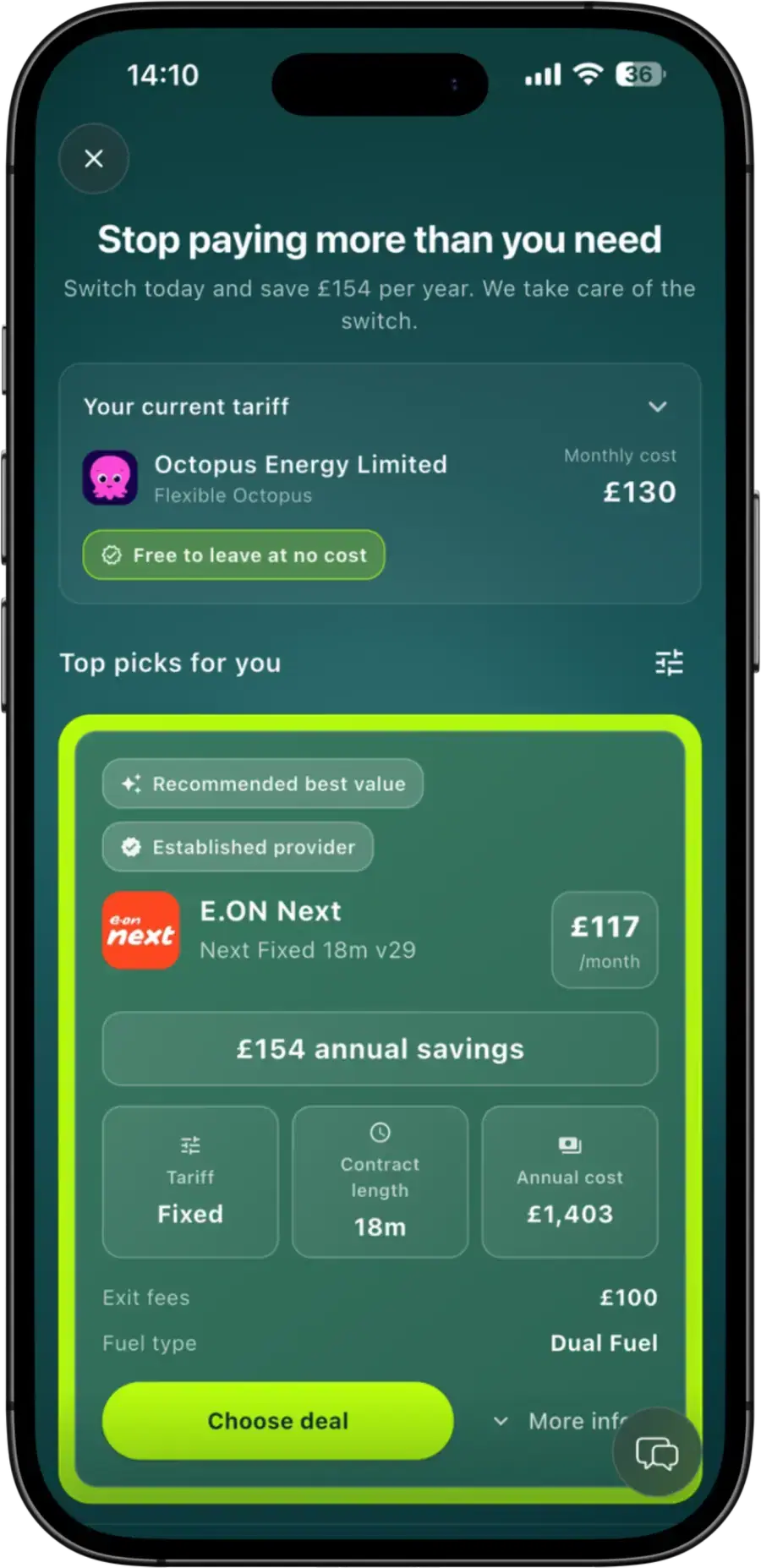
Upload a bill or add what you pay, and see it against live deals. Switching is up to you.
An example home
Keep it in one place.
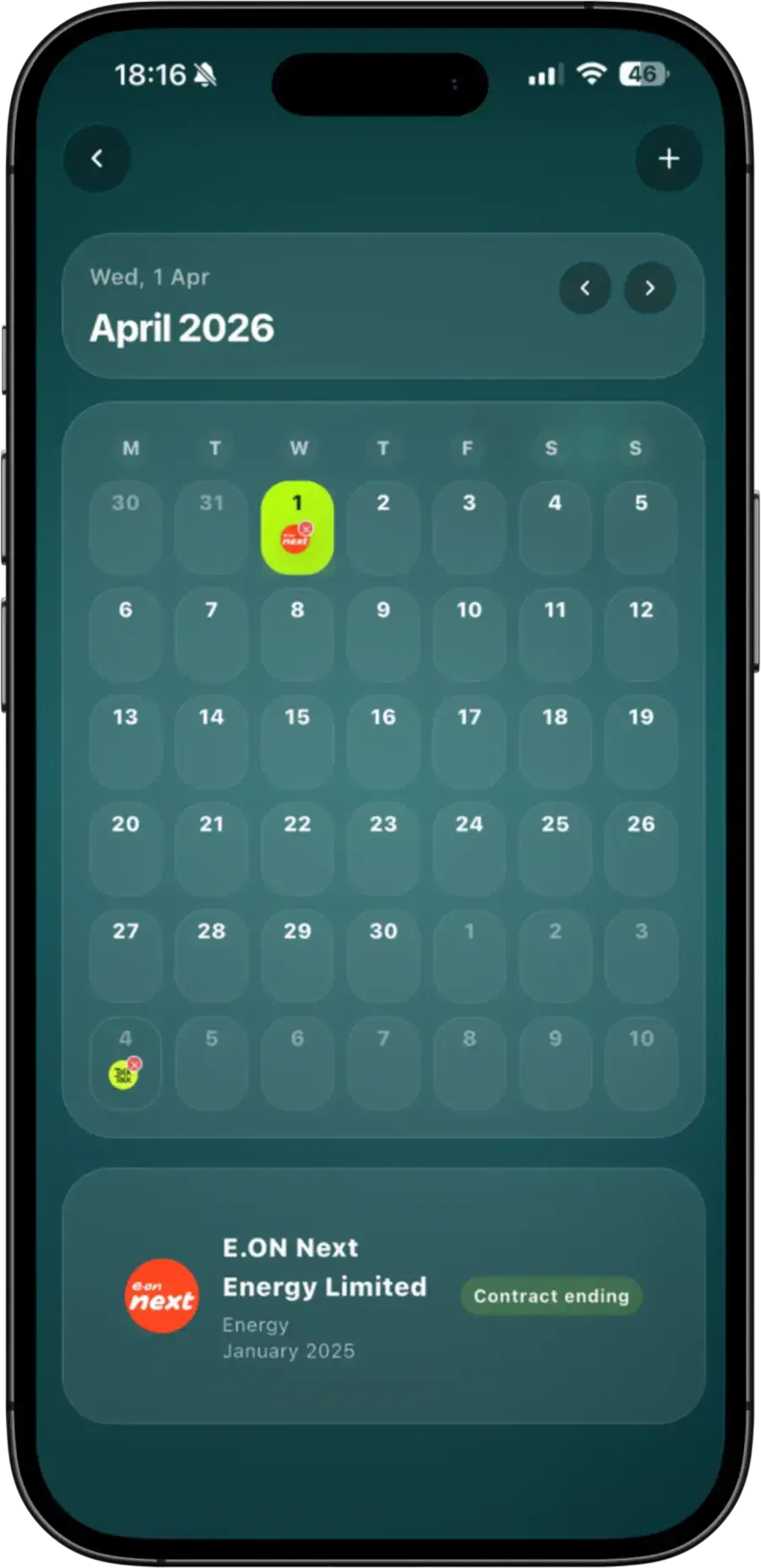
Every contract end date in view, with an alert before a renewal. In a shared home, see who has paid.
No account and no calls before you see your bills. Nothing changes without your approval.
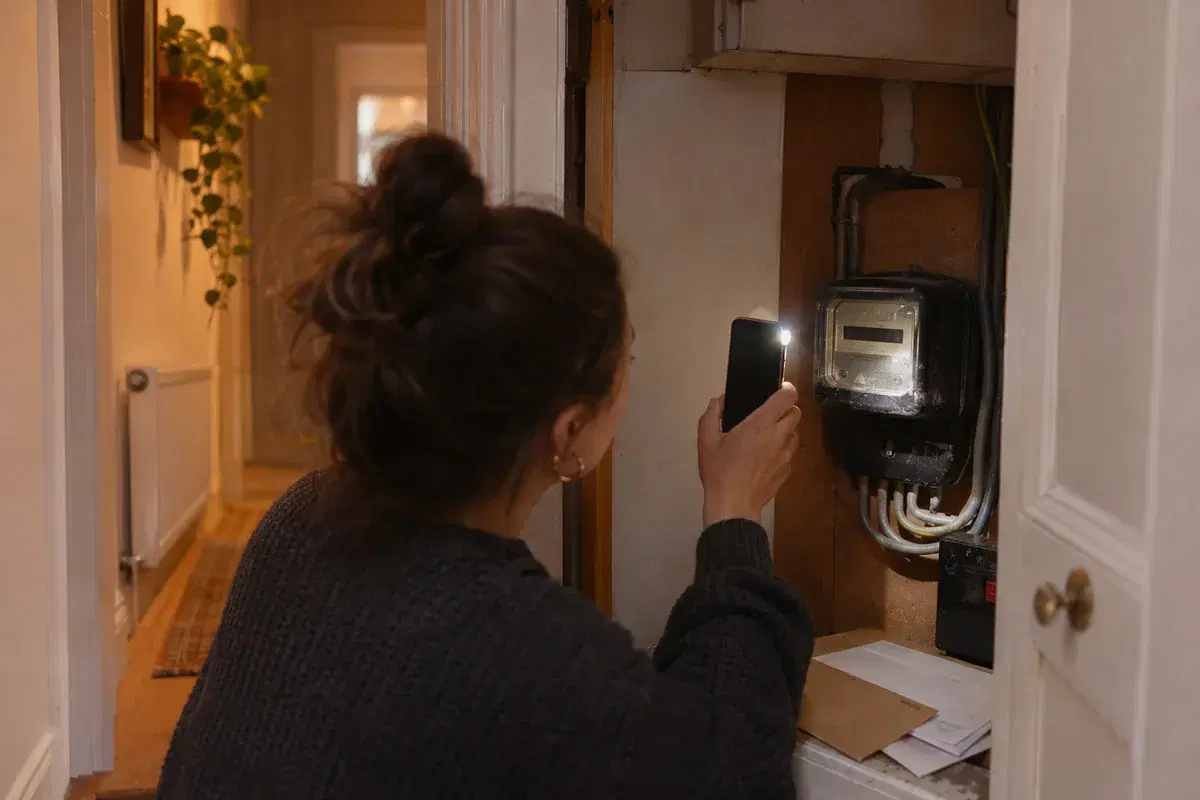
Upload a photo or the PDF of your energy bill. Taupia reads the tariff, rates and usage, checks them against the price cap and compares them with live deals.
Can I pay all my utilities in one payment through Taupia?
No. You keep paying each supplier directly, and Taupia never holds your money. In a shared home, housemates record their shares in Taupia and pay each other outside the app.
What bills can I manage in Taupia?
Energy, broadband, mobile, water, council tax and the TV Licence. You can compare energy, broadband and mobile deals. Water, council tax and the TV Licence come with their own setup and guidance steps.
Can Taupia track renewal dates and alert me before one lands?
Yes. Contract end dates sit against each bill, and Taupia alerts you before a renewal or contract end. In a shared house the whole household gets the warning. Acting on it is your call: Taupia never switches on its own.
Can Taupia split bills between housemates?
Yes, and not only down the middle. Your household sets the split rule: each person gets a percentage of a bill, totalling 100%, and you change it when the household changes. Which rule suits which bill.
Does Taupia track who has paid their share?
Yes. A housemate records a payment and the person they paid confirms it, so everyone sees who has paid. Taupia does not move the money or change who is responsible for the bill.
Can I compare bills from this page?
Yes. Put in your postcode to see every bill at your address, or go straight to energy, broadband or mobile.
Is Taupia only for switching?
No. It keeps track of what each bill costs, when each deal ends and who has paid. You switch only when it makes sense.
Where should I start if I am moving home?
Start at Move home, which begins from your new address and moving date. Once you are settled, this page is for you.



 EnergyCompare energy prices: today's fixed deals against the price cap.
 BroadbandReal deals for your address.
 MobileSIM-only and contract deals, no postcode needed.
 WaterIs a meter cheaper than rateable value?
 Council taxCould you pay less? Check the discounts and exemptions.
 TV LicenceDo you need one? Check before you pay.